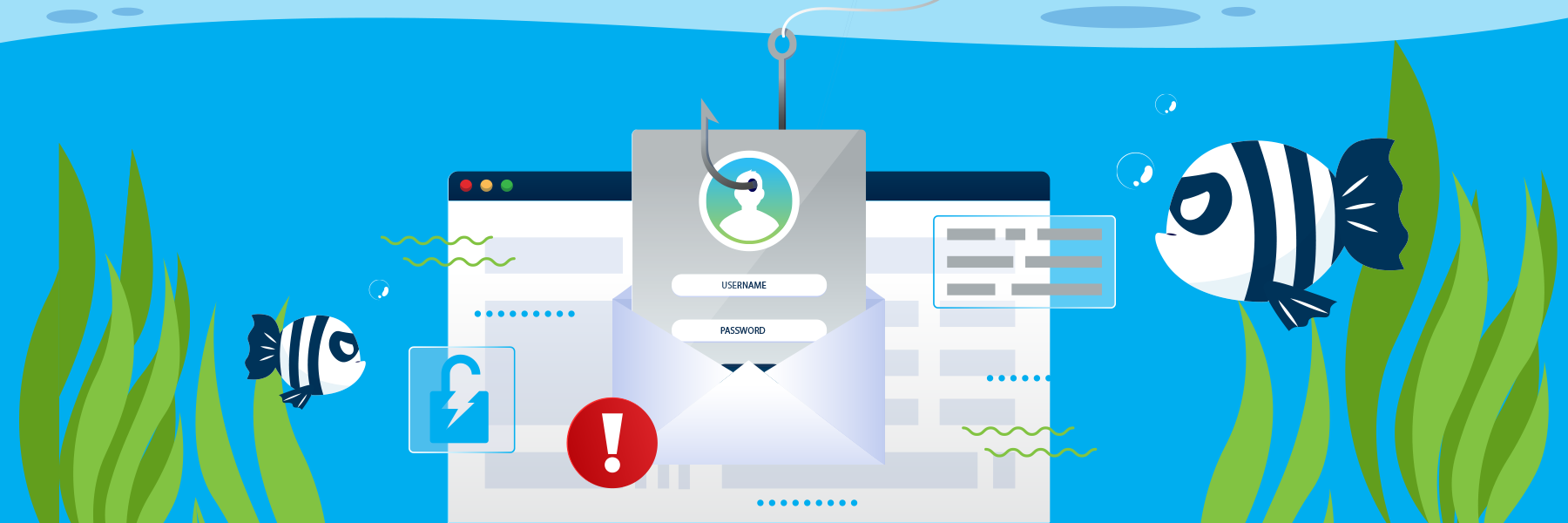
Phishing Cybercrime
Phishing attacks attempt to financially or informationally defraud an unsuspecting target.
Cyber criminals invent increasingly sophisticated ways to steal passwords, sensitive information, or infect your computer with malware. Ransomware is often initiated through a phishing. In addition to email, phishing attacks can be received through texting, social media app messages, phone calls, mailed letters, pop-ups on your computer, etc. The communications may impersonate known contacts, or be from actual contacts whose account has been compromised.
Types of Phishing Attacks:
- Phishing: Fraudulent communications prompting the recipient to click links, open attachments, reply with information, etc.
- Spear Phishing: Targeted attacks using personal information to appear legitimate.
- Vishing: Attacks via phone call, usually using spoofed phone numbers, pressuring targets to act quickly.
- Whaling: Attacks targeting high-level executives with tailored messages.
- Smishing: Attacks utilizing texting and impersonating a known contact or entity.
- Business Email Compromise (BEC): Attack that impersonating an executive or vendor to authorize fraudulent transactions or data transfers.
- Quishing: Using malicious QR codes that trick recipients into scanning to visit a fraudulent site or download malware.
- Angler Phishing: Anglers use fake social media posts to get people to provide login info or download malware
If you believe you’ve engaged with a phishing communication, please call 706-72CYBER.
The Phish Bowl
Check out these recent examples of phishing scams caught and stopped at Augusta University. Cyber threats change all the time, so if you get a strange message that isn't shown here, play it safe and report it.
- Forward suspicious emails to 72CYBER@augusta.edu or call the help desk for assistance at 706-721-4000
- If you clicked a link or entered your information on a suspicious page, please contact 706-72CYBER (706-722-9237)
[EXTERNAL] CONFIDENTAL - Medical Document
An external contact's compromised account sends out phishing email stating a document is being shared with them. This actually downloads malware to the computer, encouraging the recipient to open and run the malware.
View details for [EXTERNAL] CONFIDENTAL - Medical Document[EXTERNAL] Your Colleague's University Collaboration Proposal
The account of a colleague at another school is compromised, sending out phishing email to all of their contacts. The email purports a shared document which links to a fake Augusta University login prompt attempting to steal your login credentials.
View details for [EXTERNAL] Your Colleague's University Collaboration ProposalProtect Yourself, Protect AU
Unfortunately, the internet is not as safe as we wish it could be. Because of this, we need to take steps to ensure that we do not compromise the security of Augusta University systems.
Use strong passwords
Keep Software Updated
Protect your devices against emerging security vulnerabilities by installing operating system, application, and antivirus updates as soon as prompts appear.
Recognize Phishing
Phishing emails trick you into clicking malicious links, opening infected attachments, or revealing credentials. If a message seems suspicious or unexpected, do not interact with it—report it immediately.
Secure Accounts with Duo
Multi-factor authentication adds an essential layer of defense to university systems. Set Duo Push as your default method to quickly verify logins and block unauthorized access attempts
Encrypt Sensitive Emails
Include the word Secure in your subject line to automatically encrypt outgoing Microsoft 365 emails containing sensitive data sent to external recipients.
Connect via VPN
Establish an encrypted connection when working off-campus. A VPN connection is required to access protected university networks and internal applications. Virtual Private Network