
Request forms on iLab
How to request forms on iLab
- Step 1: Log on to iLab: https://augusta.corefacilities.org
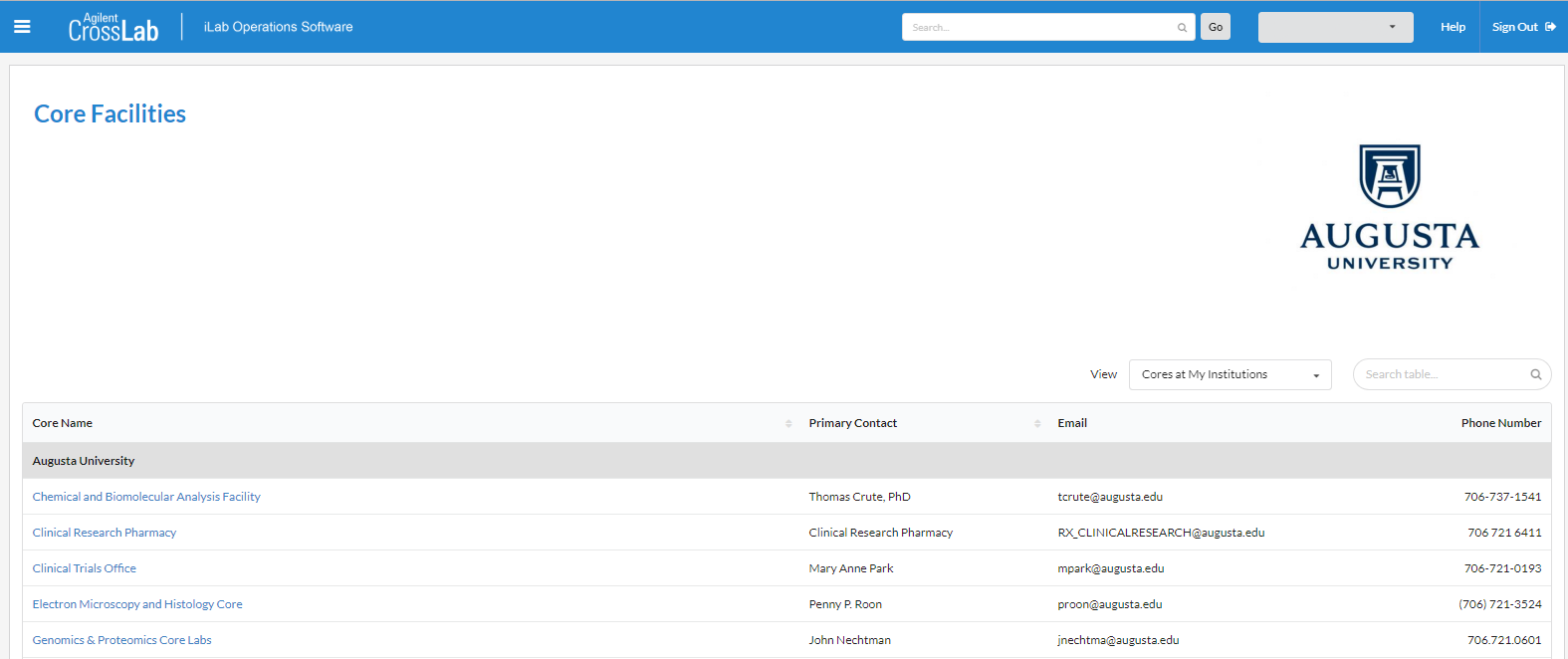
- Step 2: Click on ☰ for drop down menu options. Click on "Core Facilities" from the available options.

- Step 3: Select "Electron Microscopy and Histology Core"
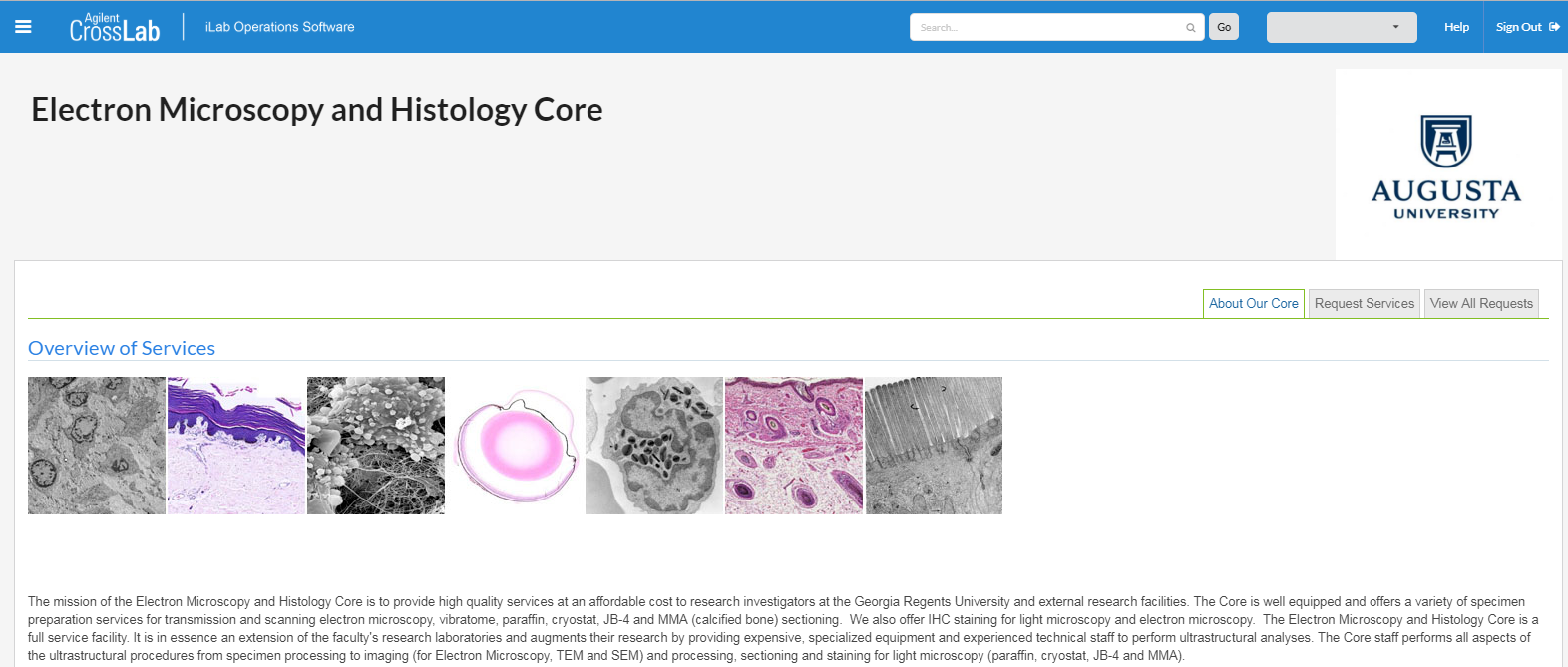
- Step 4: Click on "Request Services" to request a service from the Electron Microscopy & Histology Core.
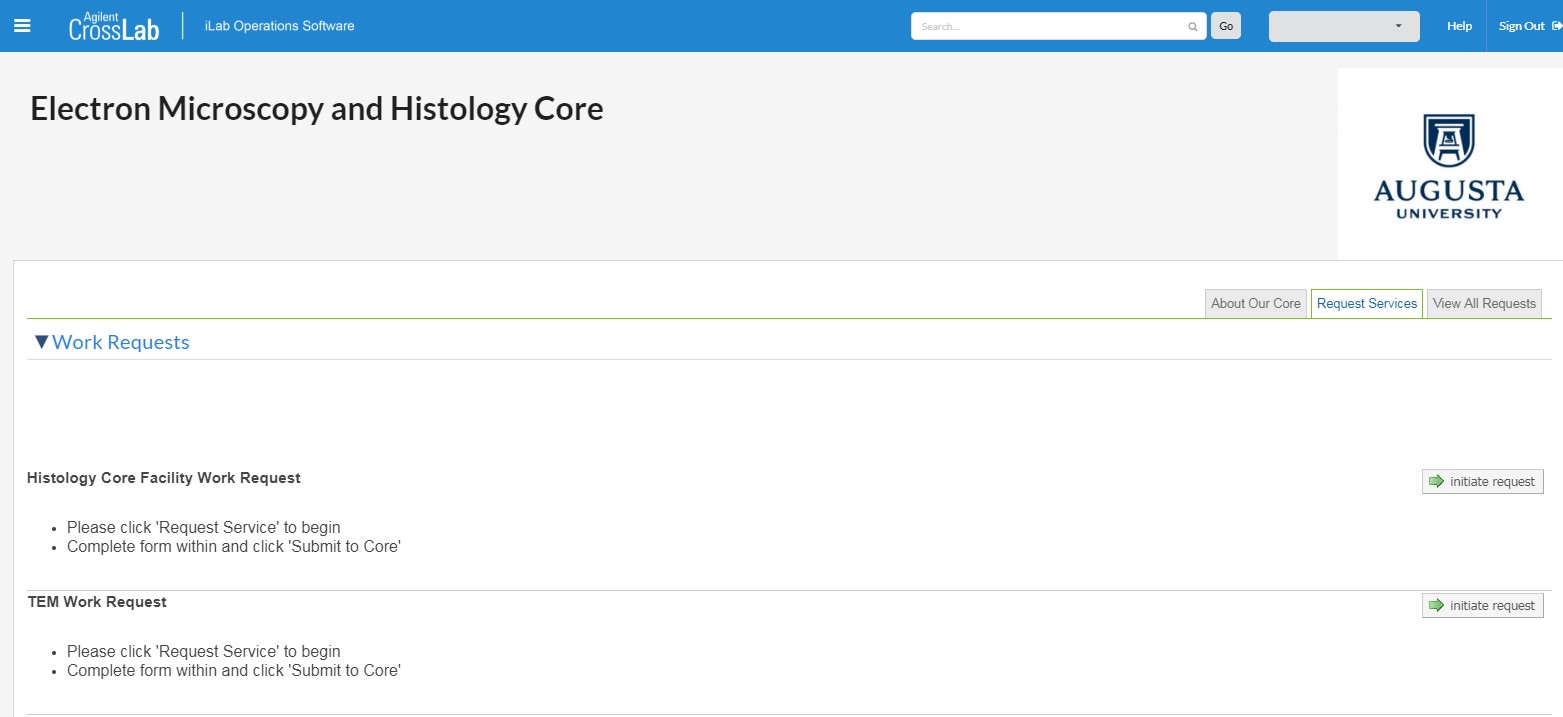
- Step 5: For Histology requests, click on “initiate request” under Histology Core Facility Work Request. For other services, click on "initiate request" under the proper request service work title.
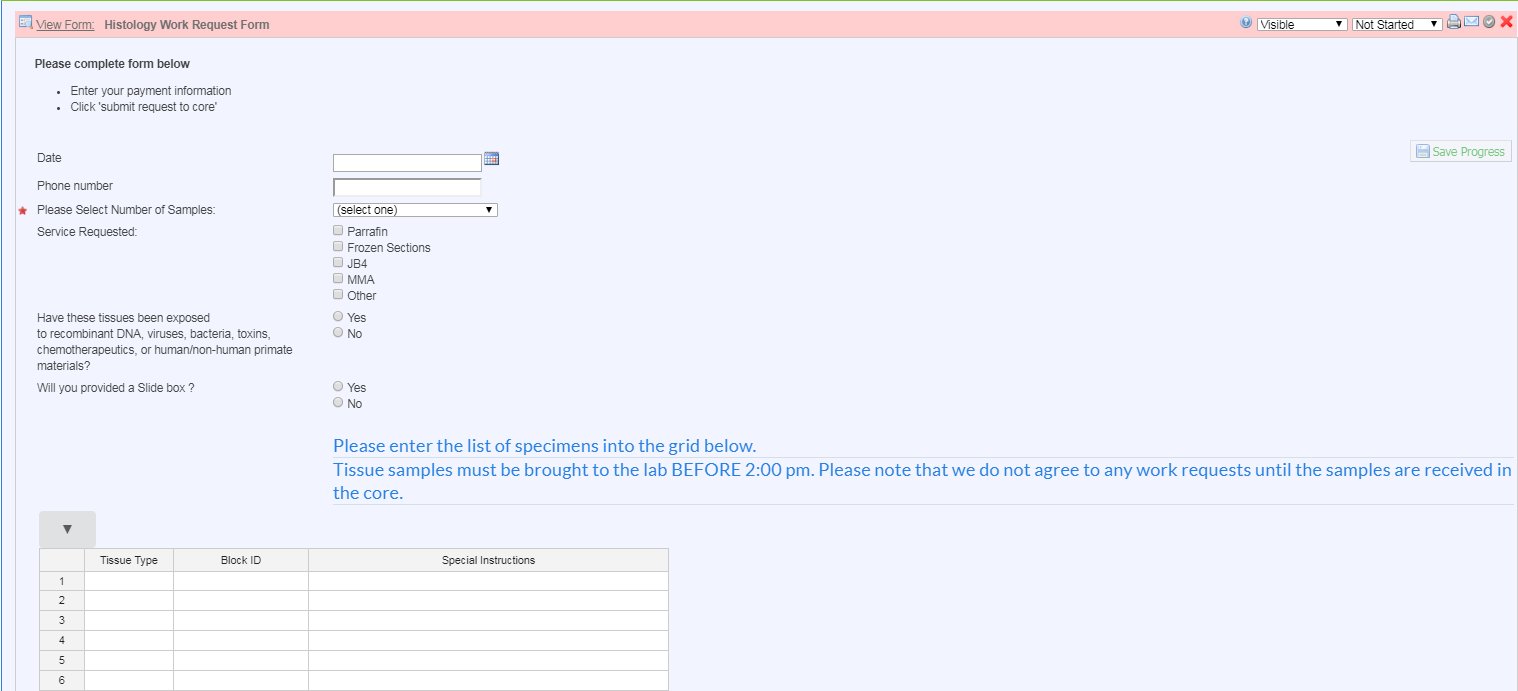
- Step 6: Complete the Histology Work Request Form with the correct information. Enter the list of specimens into the grid with the correct information. Under “Special Instructions,” please list the orientation of sample(s), number of slides to be cut, sections per slide, any stains to be done, or any other instructions.
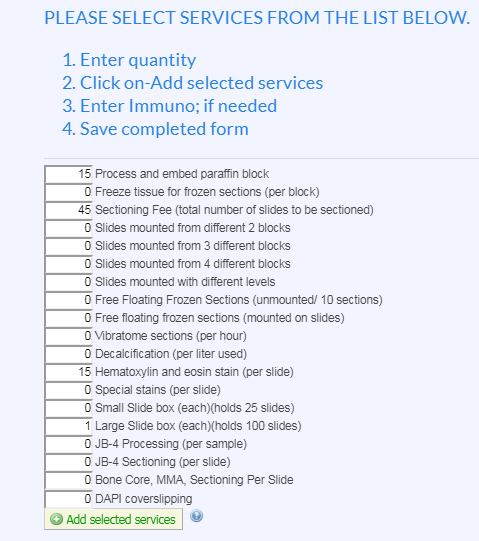
- Step 7: Once you have listed all of your specimen with any special instructions, you will select the services for your request. Enter the number of blocks to be processed, the number of slides to be sectioned (this includes slides to be stained with H&E, Special stains or Immunohistochemistry), any H&E slides to be stained, and any other service you request. If a service is not requested, leave the quantity at 0. Add a slide box charge if you do not have a slide box to provide the lab with for your request.
Once the services have been selected, click on "Add selected services."
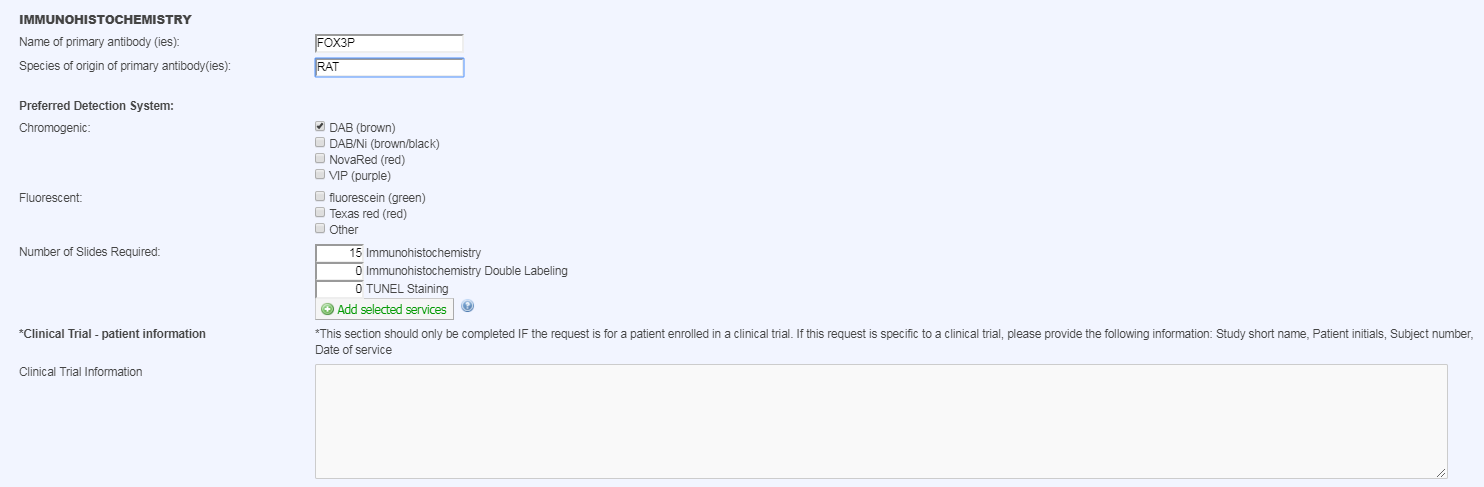
- Step 8: If you need to request Immunohistochemistry to be done, fill out the name of the primary antibody/antibodies, species of origin of primary antibody/antibodies, and the preferred detection system. Enter the number of slides to be stained. If a service is not requested, leave the quantity at 0.
Once the services have been selected, click on “Add selected services.”
- Step 9: Once the form is completed and the services have been selected, click on “save completed form.” If you are unsure or want to make changes to the form before submitting, click on “save draft of form” to edit the form at a later date.

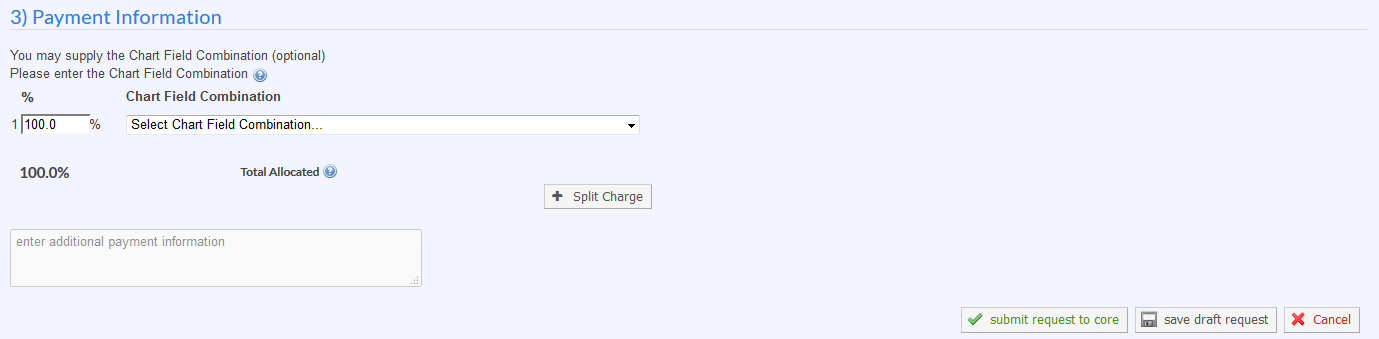
- Step 10: Under Payment Information, select a “Chart Field Combination” from the drop-down menu. Fill out the correct payment information.
- Step 11: Once your form is completed, click on “submit request to core” to submit the work request form to the lab.
Once the form is submitted, the Core will review the information and agree to the work request. If the Core makes any changes to the request form you will be notified and will have to accept the changes to the request form otherwise, your Department manager will receive an email requesting their approval of the funds for the request form. When your work request is completed, you will be notified via email.